Campaign Management / Sources / Source Single View
Source Overview
High-level performance analytics of a specific traffic source including revenue, payouts, and comparisons.
Note: This tab is only available in Custom Source (CS) and Marketing Partner (MP) source types.
The Overview tab in the Source Single View provides a detailed reporting dashboard for a specific source. While many configuration settings can be managed at the campaign level (impacting all traffic sources), the Overview tab offers granular insight and control over an individual source’s performance.
This tab is especially useful for monitoring and comparing key metrics, allowing you to fine-tune your lead traffic strategies.
What's Included#
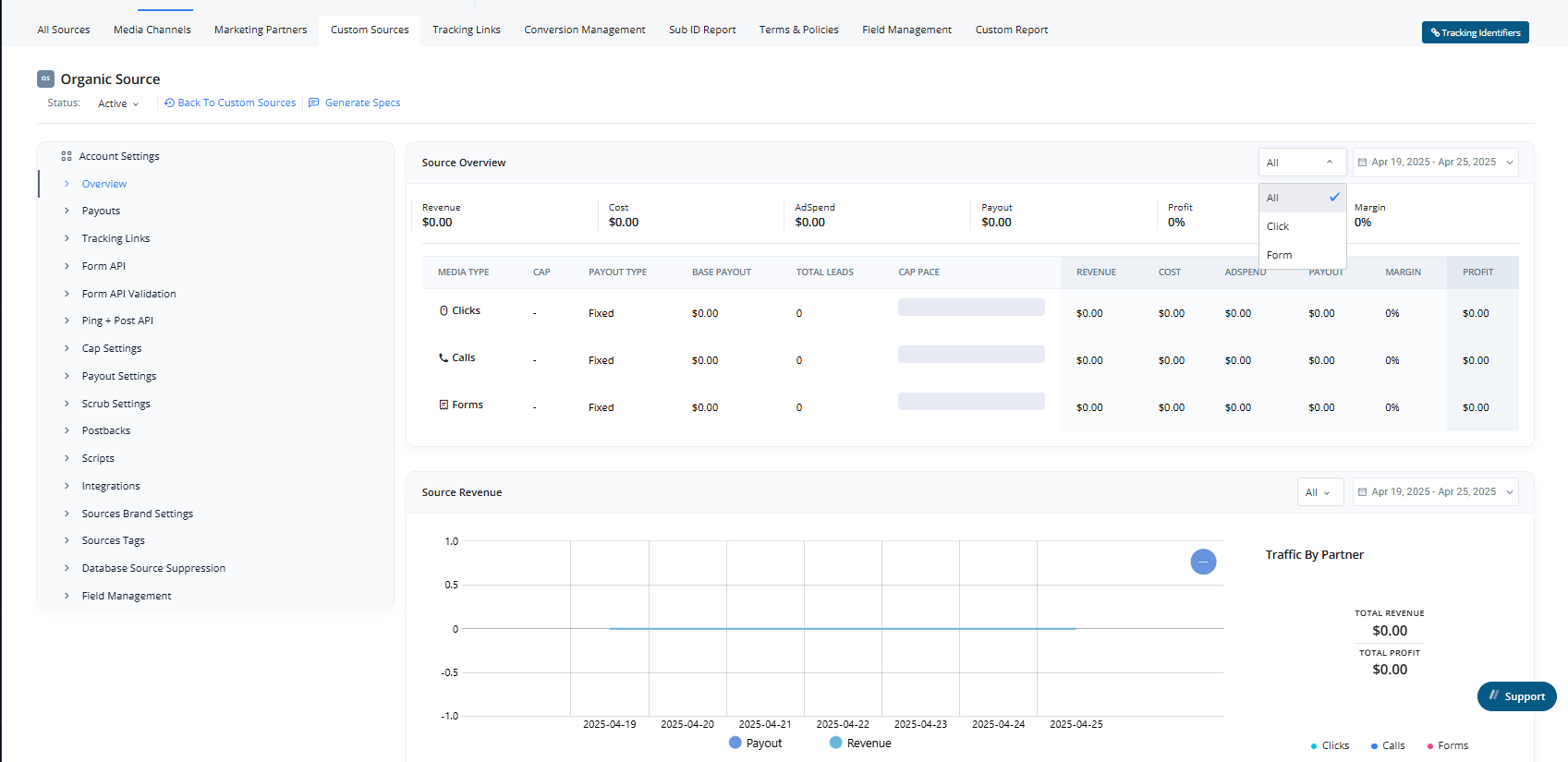
The page is divided into three key reporting sections:
1. Source Overview#
A summary of core performance metrics for the selected source, including:
-
Revenue
-
Cost
-
Ad Spend
-
Payout
-
Margin
-
Profit
-
Apply custom Date Ranges for analysis.
Additionally, it displays:
- Payout Type
- Cap Pace
Metrics are shown based on the traffic type: Click, Call, and Form.
2. Source Revenue#
This report shows a line graph of the source’s Revenue and Payout, with the ability to:
- Filter by traffic type: All, Click, Call, or Form
- Apply custom Date Ranges for analysis
Each filter option updates the graph individually for precise insights.
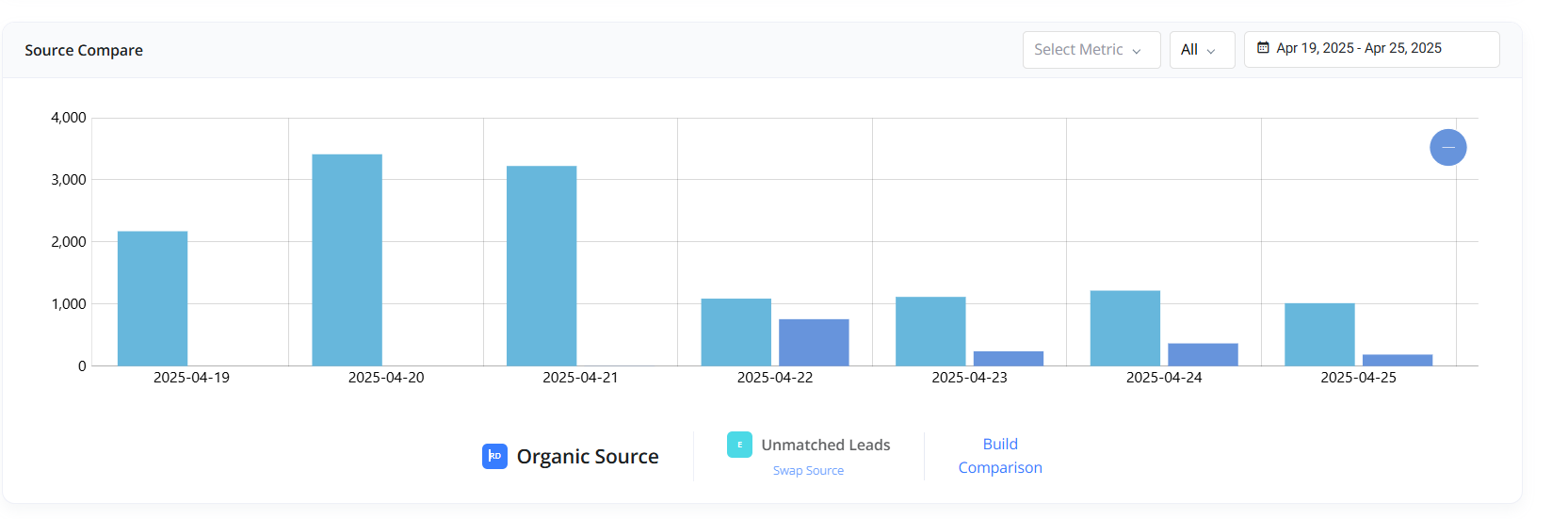
3. Source Compare#
This section lets you:
- Select and compare multiple other sources
- View a bar chart (daily breakdown)
- Toggle between metrics: Volume, Revenue, Profit, or Payout
Use this tool to benchmark your source’s performance against others over time.
- Apply custom Date Ranges for analysis