
Campaign Management / Sources
All Sources
Complete list of all your active, paused, and inactive traffic sources with quick access to configurations.
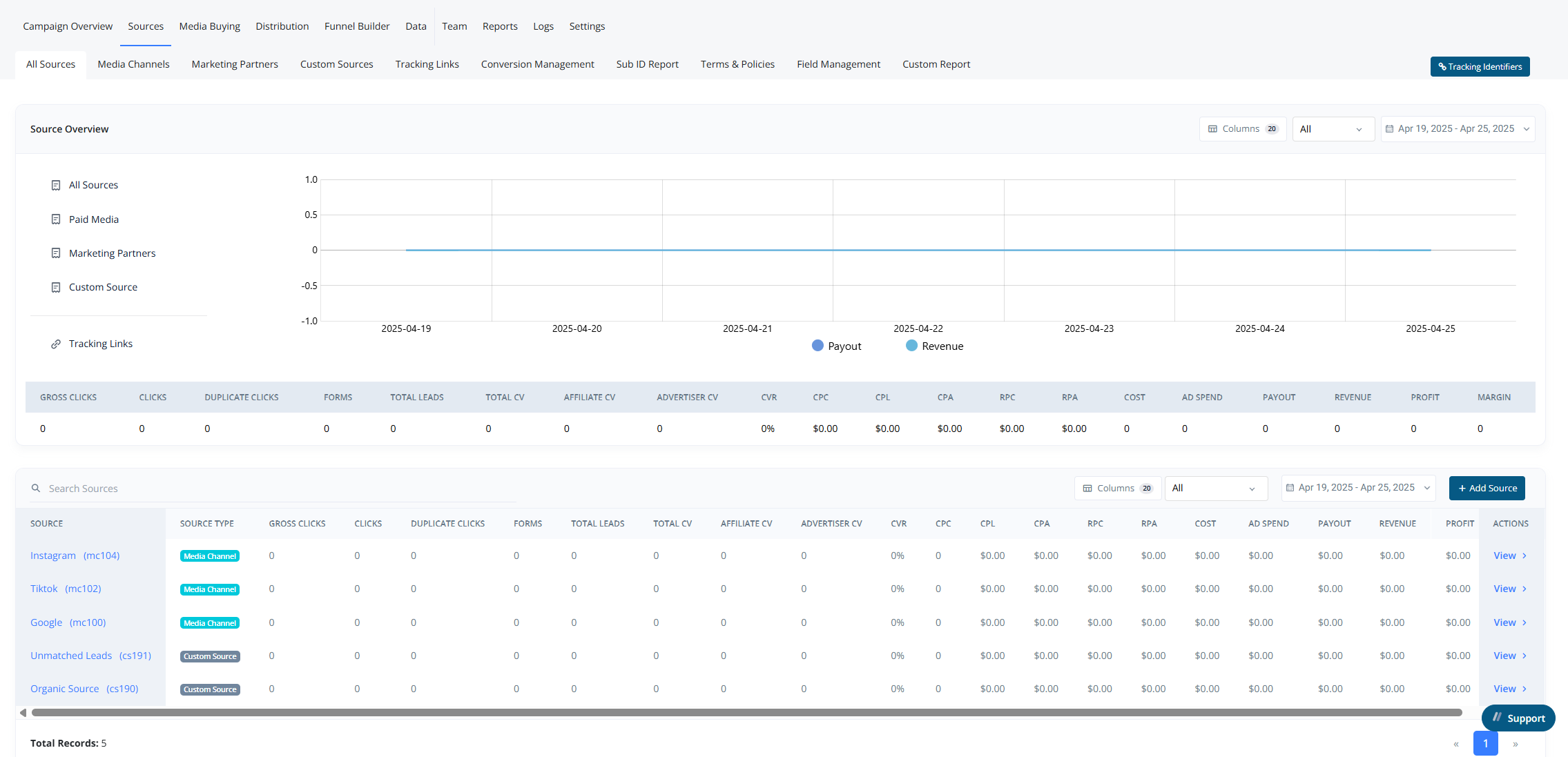
The All Sources section provides a high-level overview of your traffic sources and their associated metrics.
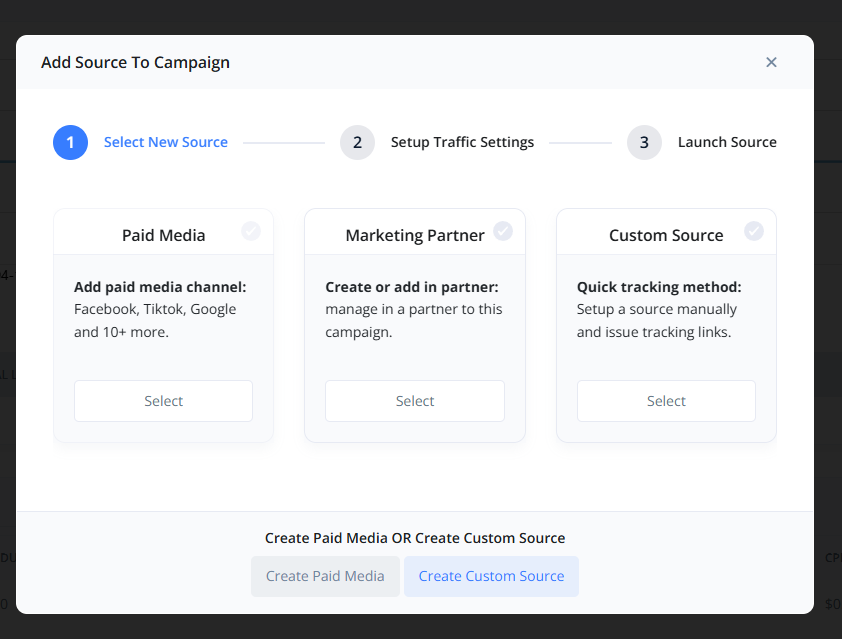
From this view, users can:
- Create a new Source (Media Channel, Marketing Partner, or Custom Source).
- Customize which columns are displayed in the table.
- Apply a Date Range Filter to narrow down the data.
This section also includes multiple report views across different fields.
Key Uses#
- Monitor Revenue and Payouts across all sources.
- Analyze performance for each source individually in a tabular format.
Adding a Source#
To add a new source:
- Click the “+ Add Source” button.
- Choose the type of source you want to create.
- This can be done from:
- The All Sources section within a campaign
- Or the individual source type tab (CS, MP, or MC)