
Campaign Management / Settings
Price Management
Define and control the revenue structure for leads using Set Price or Cost Plus models per source or source type.
Overview#
The Price Management tab allows users to configure the revenue earned per lead within a campaign. This configuration can be applied globally across source types or customized per individual source.
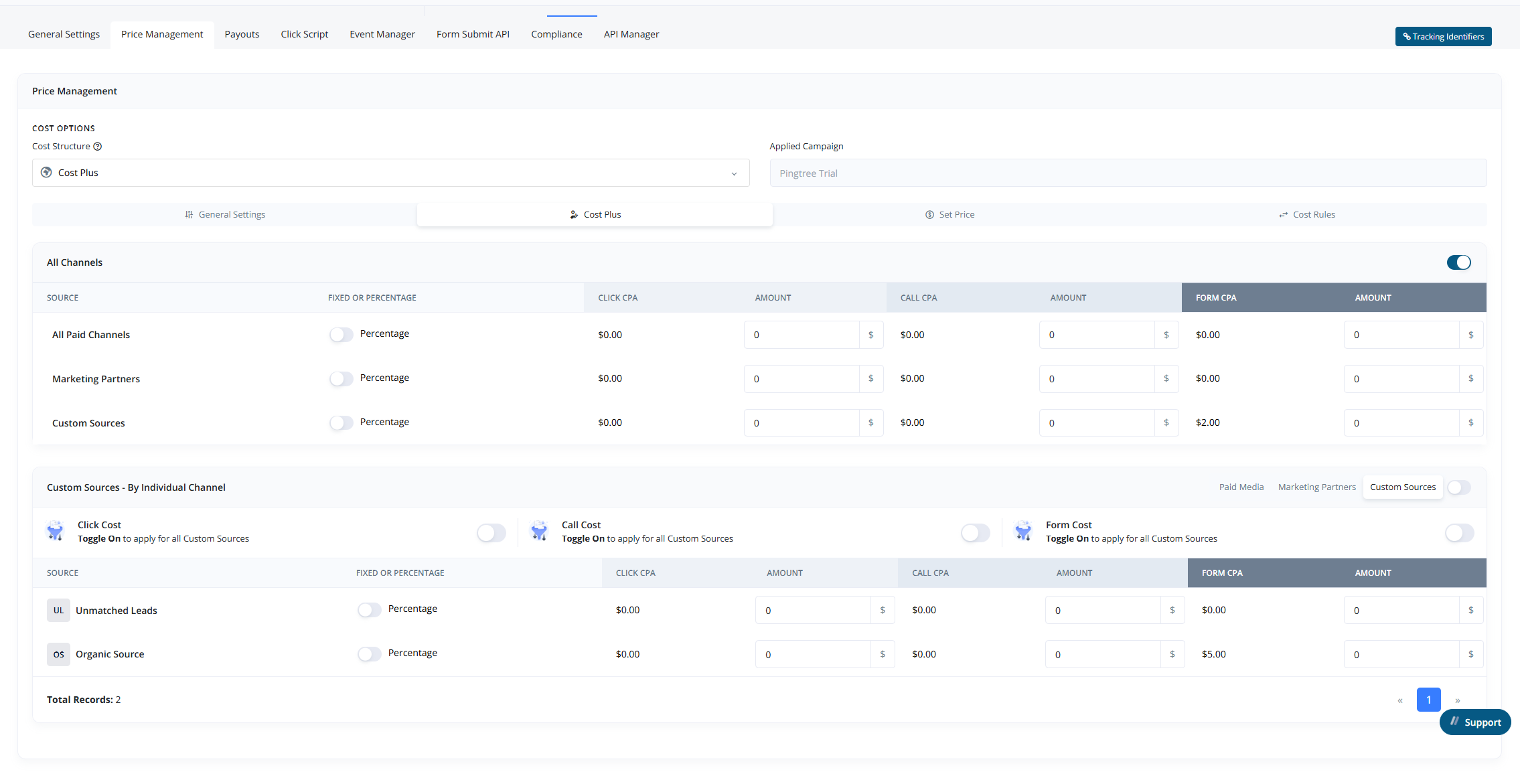
Pricing Structure#
Under General Settings, you can enable or disable pricing for the campaign and select the preferred pricing model:
-
Set Price:
Assign a fixed revenue amount per lead. -
Cost Plus:
Apply a markup either as a percentage or fixed amount over the lead's cost to determine the revenue.
Tip: If pricing is disabled here, the campaign will not calculate or use any revenue structure regardless of source settings.
Price Management by Source#
The revenue settings can be applied at multiple levels:
-
Source Type Level:
Apply pricing rules globally to all Marketing Partners (MP), Media Channels (MC), or Custom Sources (CS). -
Individual Source Level:
Customize revenue structure for each specific source independently.
Cost Plus#
- Supports both:
- Percentage-based markup
- Fixed amount markup
Set Price#
- Only supports a fixed revenue amount per lead.
Tip: Using source-level overrides allows you to fine-tune your campaign profitability per traffic partner or channel.